Build a location inventory
Give each branch, store, or facility its own site. Group the equipment there and enroll authorized monitoring targets against that site.

Organize covered equipment by location so your team can see which site is affected, what was observed, and who is assigned to respond.
Give each branch, store, or facility its own site. Group the equipment there and enroll authorized monitoring targets against that site.
Assign covered equipment to the provider responsible for it. Your team can review the assigned provider and incident status by location.
The client portal shows a recent view of observed uptime, downtime, and monitoring gaps for covered equipment. Availability reflects the configured check at each site.
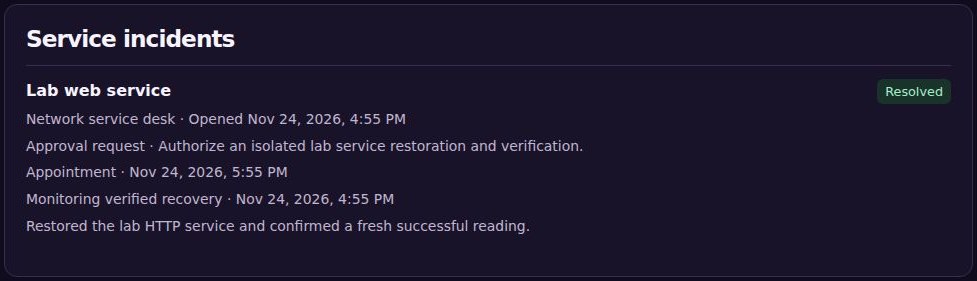
The screenshot shows a real controlled outage and recovery at one test site. A separate software test added a branch and checked that its inventory, assignments, and availability stayed within the authorized account.
See the full pilot walkthroughSend your site count, regions, and the common equipment or services you want to monitor first.
Discuss monitoring across locations